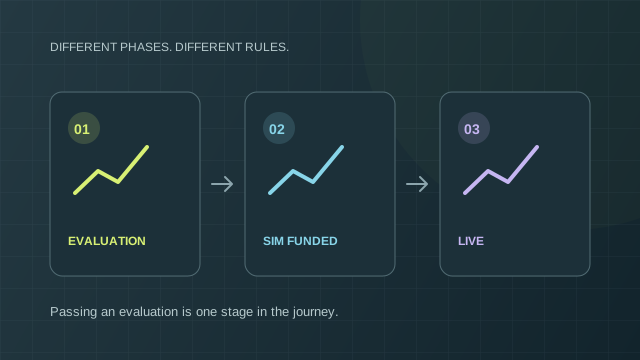
Evaluation → simulated funded → live
These are different phases with different conditions. Passing an evaluation doesn’t automatically put you in a live brokerage account.
 Paid2TradeKnow the real limits.Independent research
Funded futures, explained
Compare what you’ll pay, how far an account can fall, and what has to happen before a payout.
For independent traders. Start with futures evaluations. No account or broker connection required.

Explore the research.




Marks identify the firms covered. They do not imply a partnership or endorsement.
Evaluation, renewals, resets and activation.
The loss allowance behind the headline size.
Daily limits, trailing floors and restrictions.
Days, consistency, buffers and payout caps.
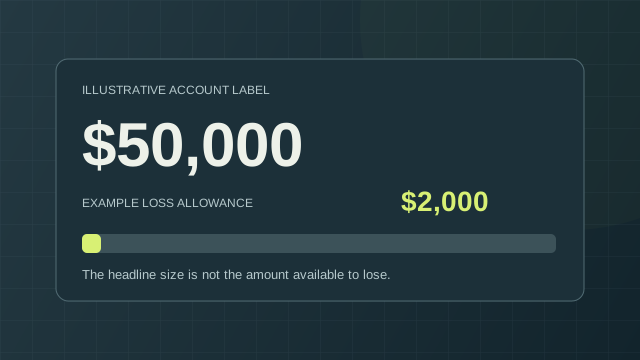 Account size ≠ loss allowance
Futures first
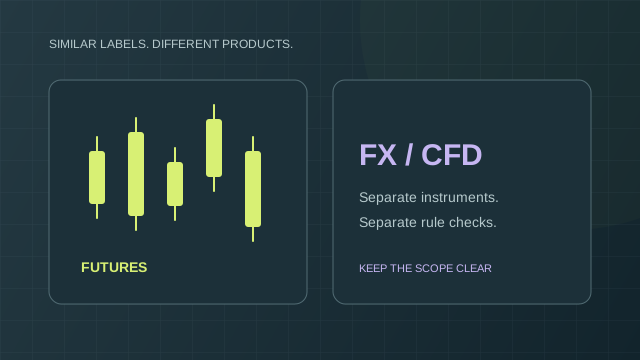
Illustrative contract symbols, linked to CME Group. Check each plan’s permitted instruments separately. No live prices.
Also on Paid2Trade
Compare broker signup rewards and transfer matches at your deposit level, with the payment schedule and conditions in view.
Explore Broker Bonuses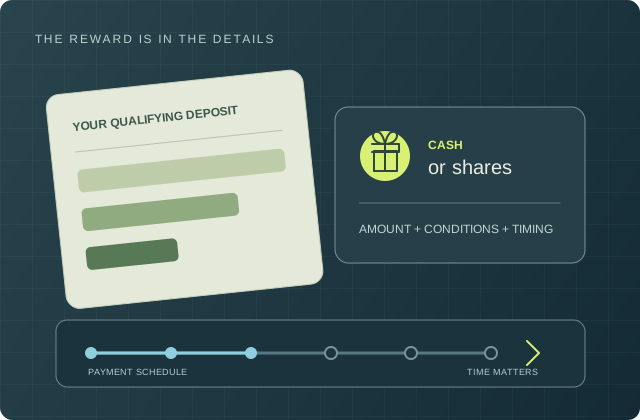
Compare the actual plan
Official-source observations, with gaps left visible. This is a limited research set, not a market-wide ranking or a checkout quote.
One separately purchased account. Counts are charged invoices, not elapsed months. Resets may move renewal dates. Subtotals exclude tax, trading commissions and optional services.
Loading source observations…
Your shortlist
Highlighted rows have supported differences. Unknown information isn’t an advantage. On smaller screens, scroll across the plan columns.
Try fewer filters or use Reset filters. An unknown platform or residence rule isn’t treated as a confirmed match.
Save one to three selected plans and the comparison’s fee counts. Custom calculator amounts, account balances and trading paths stay out of these snapshots.
Anyone with the link can read its saved plan facts and fee counts. Shared values are unverified until compared with current research.
Saved values / current research
Refreshing replaces the saved comparison facts only after you choose it. A retired or unavailable version needs a new selection; it is never silently replaced.
Fee calculator · USD
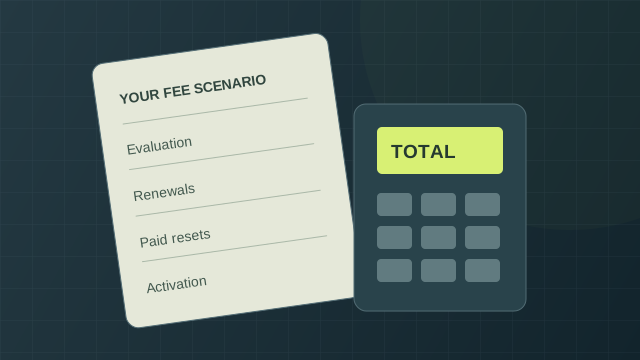 See every selected charge.
Selected program fees
For the charges and counts you selected.
| Charge | Amount |
|---|
This is a fee scenario, not a forecast of passing or earning a payout. Tax, trading commissions and unselected data/platform costs are excluded unless you add them.
Drawdown replay · hypothetical
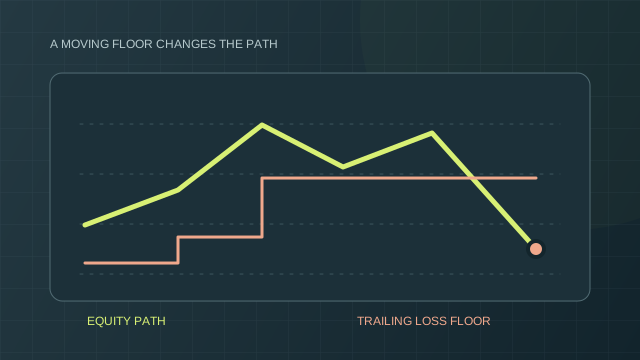
An unrealized gain can raise an intraday trailing floor. Give that gain back, and you may breach a limit even while your realized balance is unchanged. Try a scenario and change its supplied snapshots.
Observed outcome
Horizontal spacing shows observation order, not elapsed time. Lines connect supplied snapshots only. Missing intraday highs or dips can change the outcome; this replay cannot verify that an actual account avoided a breach.
Illustrations of configured mechanics, not a verified replay of a merchant plan. A withdrawal example does not establish approval or payment. Sessions are explicitly assigned; displayed times do not establish a provider’s cutoff. An advertised account size is never substituted for the starting ledger balance.
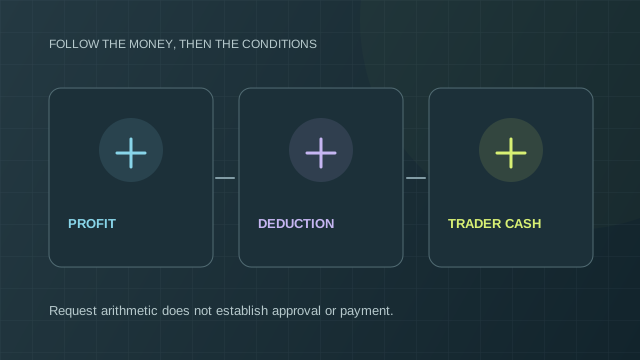
Profit ≠ money you can withdraw
A positive account balance is one input. Winning days, consistency, caps, remaining buffers and the post-request loss floor may also matter. These hypothetical rules are editable; they are not the terms of any merchant plan.
Mechanical checks only
Even when the selected arithmetic fits, provider approval and payment remain unverified. Identity, residence, actual rule history, qualifying days, pending requests and account-specific restrictions require separate checks. No intervening trades or changes in open exposure are assumed.
This checks a trader’s payout scenario. It does not calculate this website’s affiliate commissions or their payment thresholds.
Rule reference: Tradeify’s official payout policy distinguishes payout paths, purchase dates and add-ons. Check your applicable terms. Read November 7, 2026. The custom values above are hypothetical and do not select a Tradeify plan.

The edge before the evaluation
Account labels are easy to compare. Renewal bills, moving loss floors and payout conditions take a closer look.
Start with the field guideNew to funded accounts?
These are different phases with different conditions. Passing an evaluation doesn’t automatically put you in a live brokerage account.
A static floor stays put. A trailing floor can move up with your gains. The exact timing and balance or equity basis matter.
A positive balance can still be subject to minimum days, consistency rules, buffers and withdrawal caps.
 Guide 01
An evaluation purchase, a simulated funded account and a live trading account are separate stages. Read the rules for the stage you are actually buying.
Guide 02Start with the allowed loss and the actual ledger balance. The advertised size does not answer either question on its own.
 Guide 03
A loss floor is a boundary. Whether that boundary stays fixed or rises with gains can change the outcome before you close a trade.
Guide 04Count charged purchases, renewals, paid resets and activation separately. Time spent trying to pass is not itself a reliable invoice count.
 Guide 05
A payout can depend on qualifying days, consistency, caps, buffers and account review. Even a complete arithmetic check cannot approve a request.
 Guide 06
Begin with the instrument, account phase and rule mechanics. Similar account labels do not establish equivalent products.
We’re building a source-led comparison for retail and amateur traders. Fees, plan versions and rule dates belong next to the decision. Paid2Trade has no approved affiliate links and makes no return or payout promises.